What Your AI Assistant Does
It's not a chatbot. It's a real assistant that takes action — managing your inbox, your schedule, your tasks, and more. All from a simple text message.
Manages Your Email
Reads your inbox, flags what's urgent, drafts replies, follows up on important messages — so you never miss anything.
Organizes Your Schedule
Keeps track of your calendar, reminds you about meetings, reschedules conflicts, and sends you a daily briefing.
Handles Daily Tasks
Grocery lists, bill reminders, appointment booking, travel planning — the stuff that eats up your day.
Controls Your Smart Home
Adjusts your thermostat, turns off lights, manages home devices — all through a simple text message.
Remembers Everything
Takes notes, tracks your to-dos, remembers important details across every conversation. Like a second brain.
Runs Your Business
From customer follow-ups to social media monitoring to invoicing reminders — people are literally running companies with it.
People Are Calling It Magic
Thousands of people are already using this technology. Here's what they're saying.
“Setup @openclaw yesterday. All I have to say is, wow. It's the fact that claw can just keep building upon itself just by talking to it in discord is crazy. The future is already here.”
@jonahships_
“At this point I don't even know what to call @openclaw. It is something new. After a few weeks in with it, this is the first time I have felt like I am living in the future since the launch of ChatGPT.”
@davemorin
“The future of how AI personal assistants look like is @openclaw. Has already helped me submit health reimbursements, find doctor appointments, find and send me relevant documents.”
@Cucho
“OpenClaw is a 24/7 assistant with access to its own computer. All running in the cloud with access to your files, Gmail, calendar, everything about you... That's the future, and we're living it today.”
@nickvasiles
“I am so addicted to @openclaw. It is getting essential to my daily life. It checks, organizes, reminds, it's amazing. And it's like a good friend. Crazy.”
@dreetje
“Using @openclaw for a week and it genuinely feels like early AGI. The gap between 'what I can imagine' and 'what actually works' has never been smaller.”
@tobi_bsf
How It Works
You don't need to be technical. We handle everything.
Tell Us What You Need
Fill out a simple questionnaire — what tasks you want help with, which messaging app you prefer, and how you want your assistant to work.
We Build Your Assistant
Our team configures your personal AI — connecting it to your email, calendar, and tools. We customize its personality, skills, and behavior to match your workflow.
Start Messaging
Your AI assistant shows up in your favorite messaging app — Telegram, WhatsApp, Discord, or others. Just text it like you would a real assistant.
Message It From the Apps You Already Use
No new apps to download. Your AI assistant lives in your existing messaging apps.
Choose What Works for You
We offer two options depending on how hands-off you want to be.
We Host Everything
Most popular — zero effort on your end
We run your AI assistant on our servers. You just message it and it works. No maintenance, no updates, no technical anything.
- ✓ Nothing to install or manage
- ✓ We handle all the technical stuff
- ✓ Automatic updates & improvements
- ✓ One-time setup + monthly plan
Runs on Your Computer
For those who prefer full control
We install and configure everything on your Mac or Linux computer. Your data stays on your machine. One-time setup, no monthly fees from us.
- ✓ Your data stays on your computer
- ✓ macOS & Linux supported
- ✓ 30-day support included
- ✓ One-time setup fee, no monthly
It's running my company. @therno
This is the closest to experiencing an AI enabled future! @kailazh
I got up and running today and it's been nothing short of an iPhone moment for me. @dajaset
Me reading about @openclaw: 'this looks complicated' 😅 me 30 mins later: controlling Gmail, Calendar, WordPress from Telegram like a boss. @Abhay08
I'm literally on my phone in a telegram chat and it's communicating with codex cli on my computer creating detailed spec files while out on a walk with my dog. 🤯 @conradsagewiz
Using @openclaw for a week and it genuinely feels like early AGI. The gap between 'what I can imagine' and 'what actually works' has never been smaller. @tobi_bsf
See It In Action
Watch real people using their AI assistants in everyday life.
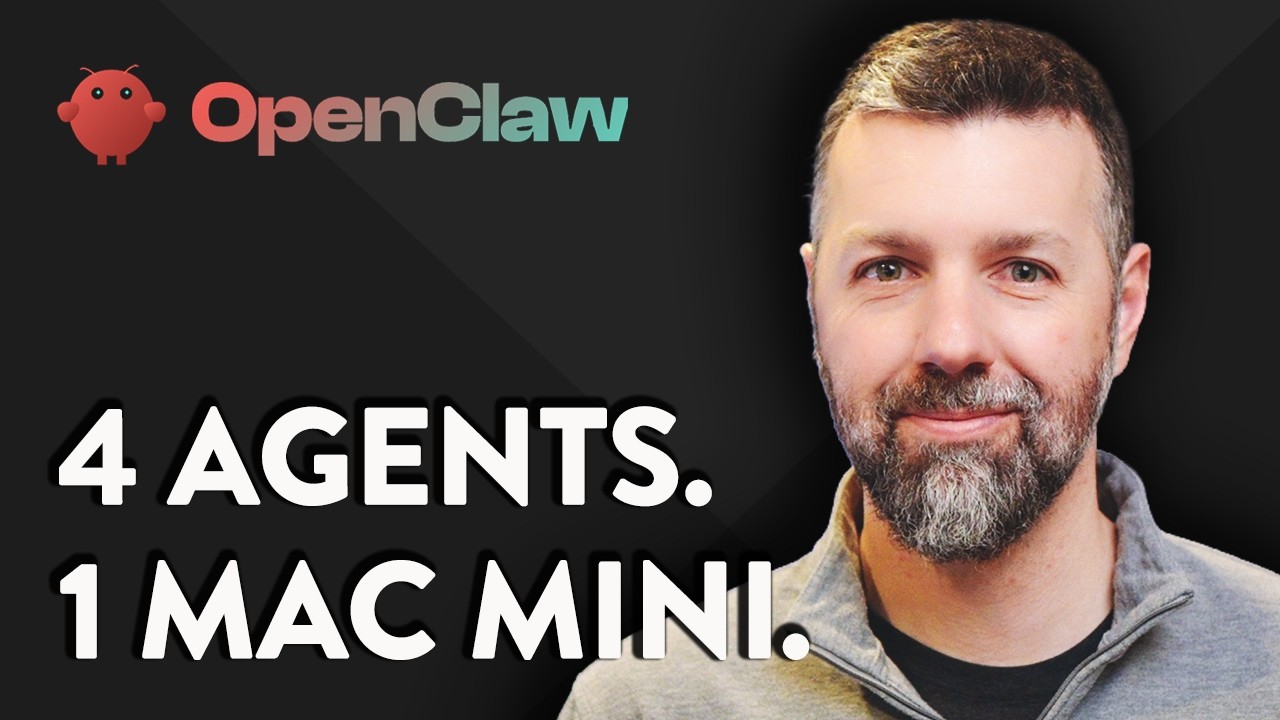
Running a Business With AI Agents
460K views — How one entrepreneur uses 4 AI agents to run his company

The Ultimate Personal Assistant
75K views — Deep dive into what an AI assistant can really do
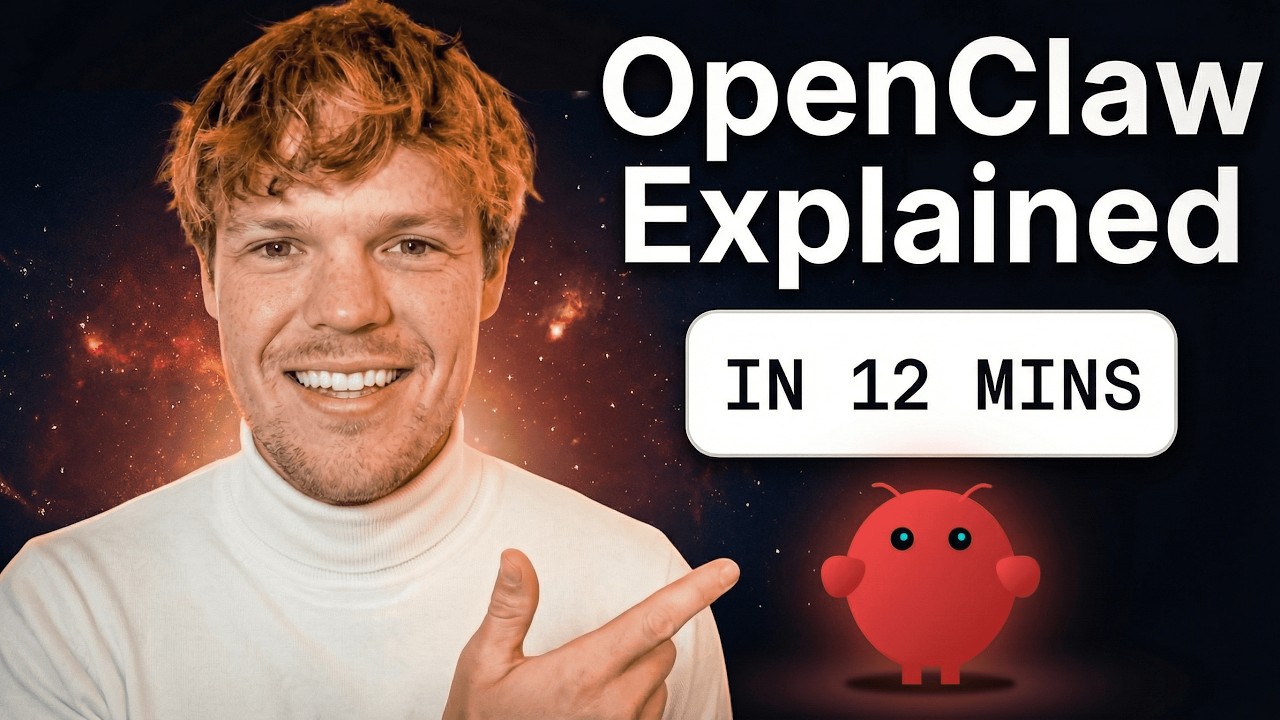
AI Assistant Explained in 12 Minutes
110K views — Beginner-friendly intro to what this is and how it works
Ready to Get Your Own AI Assistant?
Tell us what you need help with, and we'll build a personal AI assistant that works exactly the way you want — delivered to your favorite messaging app.